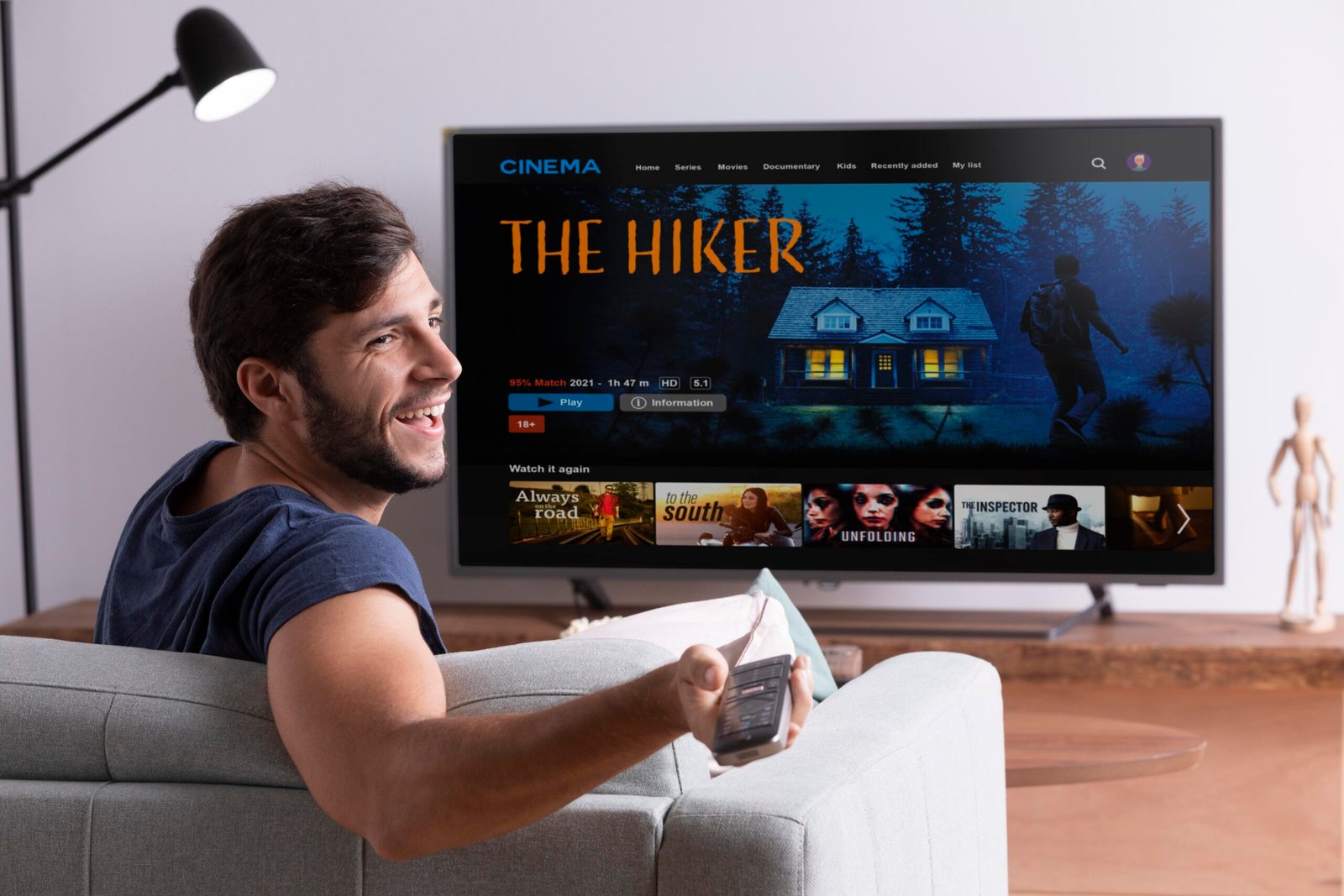

Smart TVs have become the centerpiece of modern home entertainment. They do more than display images; they allow families and individuals to stream movies, play games, connect with smart devices, and access an ever-growing range of apps. With so many options on the market, choosing the right smart TV can feel overwhelming. From screen sizes to display types, built-in features, and audio quality, there are numerous factors that influence your decision.
This guide is designed to help you make informed choices. We’ll cover everything from understanding your viewing needs to comparing TVs side by side, ensuring that you select the model that fits both your space and lifestyle. By focusing on what truly matters, you can enjoy a smart TV that delivers excellent performance without unnecessary cost.
Understanding Your Home Entertainment Needs
Before choosing a smart TV, it’s important to clearly understand how and where it will be used. Many buyers make the mistake of focusing on trendy features or brand names instead of their actual needs, which often leads to overspending or dissatisfaction.
Room size plays a major role in determining the right TV. A smaller bedroom setup usually works best with compact screen sizes, while a living room or shared family space can comfortably accommodate a larger display for better viewing angles and immersion.
Your viewing habits also matter. If you enjoy movies and streaming services, picture quality and resolution should be a priority. Sports lovers may prefer smoother motion handling, while gamers should consider input response and connectivity options. Casual viewers may not need advanced features at all.
Another key factor is family versus personal use. A family TV should support multiple apps, profiles, and easy navigation, while a personal TV setup can be simpler and more tailored.
Finally, always keep budget awareness in mind. The goal is not to buy the most expensive option, but the one that delivers the best value for how you plan to use it.
Buy based on usage, not hype.
Smart TV Screen Sizes & Display Types
Choosing the right screen size and display type is essential for getting the best viewing experience from a smart TV. A television that is too small may feel underwhelming, while one that is too large for the space can be uncomfortable to watch.
Screen Sizes
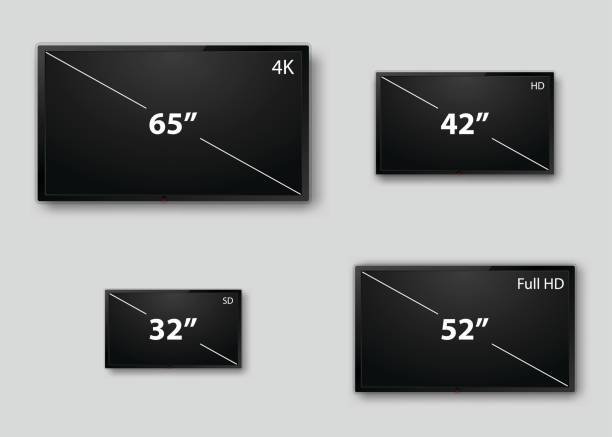
Smart TVs come in a wide range of sizes to suit different rooms and viewing distances. 32-inch models are ideal for bedrooms or compact spaces, while 43-inch and 55-inch TVs work well in most living rooms. Larger options such as 65 inches and above are best suited for spacious areas where viewers sit farther from the screen, offering a more immersive experience.
Resolution
Resolution affects how sharp and detailed images appear on the screen. HD and Full HD are sufficient for smaller screens and basic viewing needs. 4K resolution has become the standard for modern smart TVs, delivering clearer and more detailed visuals, especially on larger screens. 8K TVs are available but remain niche, with limited content support, making them unnecessary for most users at this time.
Selecting the right balance of size, display type, and resolution ensures a comfortable and enjoyable home entertainment experience without unnecessary expense.
Important Smart TV Features to Look For
Beyond screen size and display quality, the features built into a smart TV play a major role in overall performance and long-term satisfaction. Understanding these features helps buyers choose a television that not only looks good but also fits seamlessly into their daily entertainment routine.
Smart Operating System (OS)
The smart operating system determines how you interact with your TV and which apps are available. Android TV offers wide app compatibility and regular updates, making it a popular choice. WebOS is known for its smooth navigation and simplicity, while Tizen provides fast performance and a clean interface. Choosing a reliable OS ensures easier access to streaming services and future software updates.
Built-In Apps
Most modern smart TVs come with pre-installed streaming apps such as Netflix, YouTube, and Prime Video. A good smart TV should support these apps natively, reducing the need for external devices. App availability and ease of access contribute significantly to everyday convenience.
Voice Control
Voice-enabled smart TVs allow users to search for content, adjust settings, or control playback using voice commands. This feature can improve accessibility and simplify navigation, especially in family settings or smart-home environments.
Connectivity: Wi-Fi & Bluetooth
Strong Wi-Fi support ensures smooth streaming without interruptions, while Bluetooth connectivity allows wireless pairing with headphones, speakers, sound bars, or other compatible devices. These features enhance flexibility and reduce cable clutter.
Ports & External Connections
Ports such as HDMI and USB are essential for connecting gaming consoles, streaming devices, external storage, and other accessories. A smart TV with multiple ports offers better compatibility and long-term usability.
Key Smart TV Features at a Glance
| Feature | Why It Matters |
|---|---|
| Smart OS | Determines app availability and ease of use |
| Resolution | Affects picture clarity and viewing comfort |
| Connectivity | Supports external and wireless devices |
| Audio Quality | Enhances overall viewing experience |
| Update Support | Improves performance and longevity |
Sound Quality & Additional Accessories
While picture quality often gets the most attention, sound plays an equally important role in creating an enjoyable home entertainment experience. Many smart TVs come with built-in speakers that are sufficient for everyday viewing, such as watching news, casual shows, or light streaming. However, for movies, sports, or immersive content, built-in speakers may feel limited.
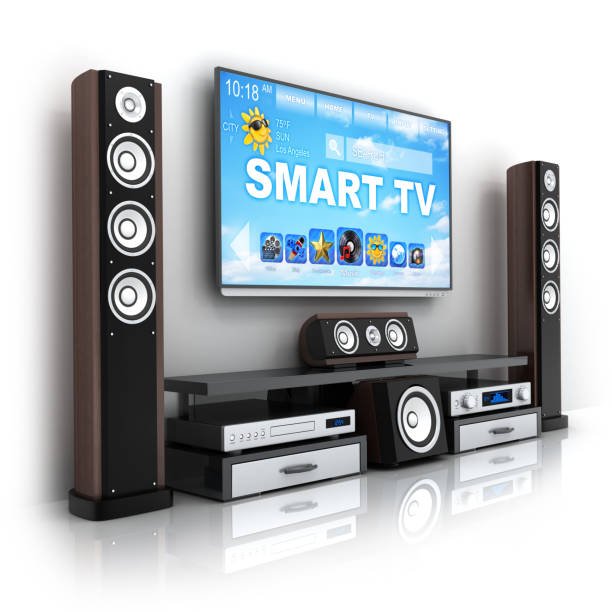
This is where soundbars and external audio systems become useful. Soundbars are designed to deliver clearer dialogue, deeper bass, and a more cinematic audio experience without taking up much space. Some smart TVs also support audio technologies such as Dolby Audio, which helps enhance sound clarity and balance when paired with compatible speakers or sound systems. It’s important to note that Dolby Audio support improves output quality but works best when combined with suitable external audio equipment.
In addition to audio accessories, many users connect external devices to their smart TVs. Streaming sticks can expand app availability, while gaming consoles provide access to interactive entertainment. Blu-ray players, set-top boxes, and media drives are also commonly used, making connectivity options an important consideration.
Choosing the right combination of sound quality and accessories can significantly improve the overall home entertainment setup without requiring a complete upgrade.
Comparing Smart TVs Before Buying
| Factor | TV A | TV B | TV C |
|---|---|---|---|
| Screen Size | 43” | 50” | 55” |
| Resolution | 4K | 4K | 4K |
| Smart OS | Android TV | WebOS | Tizen |
| Connectivity | Wi-Fi, HDMI | Wi-Fi, HDMI | Wi-Fi, HDMI |
| Best For | Small rooms | Living rooms | Large spaces |
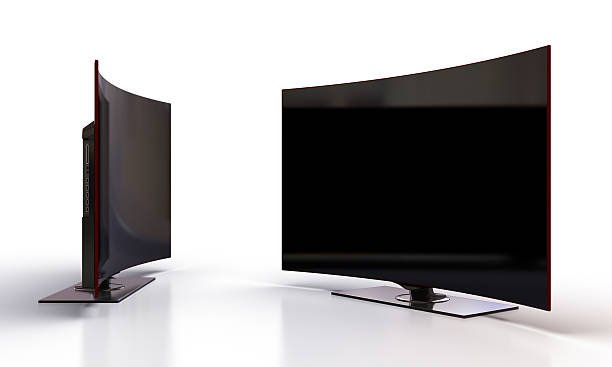
Side-by-side TV comparison image
Common Mistakes to Avoid When Buying a Smart TV
Choosing size without measuring space
Ignoring OS compatibility
Overpaying for unused features
Skipping warranty details
Taking time to understand your needs and compare options can help you enjoy better home entertainment without overspending
FAQ